Orange ID powered workflow
4 core modules
Calendar, Notes, To Do, and Pomodoro work inside the same flow.
Optional integrations
Google Calendar and iCloud connections activate only with permission, and Google access is limited to calendars owned by the signed-in user.
User-scoped storage
Uses a scoped storage model separated by Orange ID.
Bring calendar, notes, tasks, and focus sessions together on one calm surface.
Orange Work offers connected modules instead of scattered tools. Daily planning, quick note capture, task tracking, and pomodoro sessions all work inside the same experience.
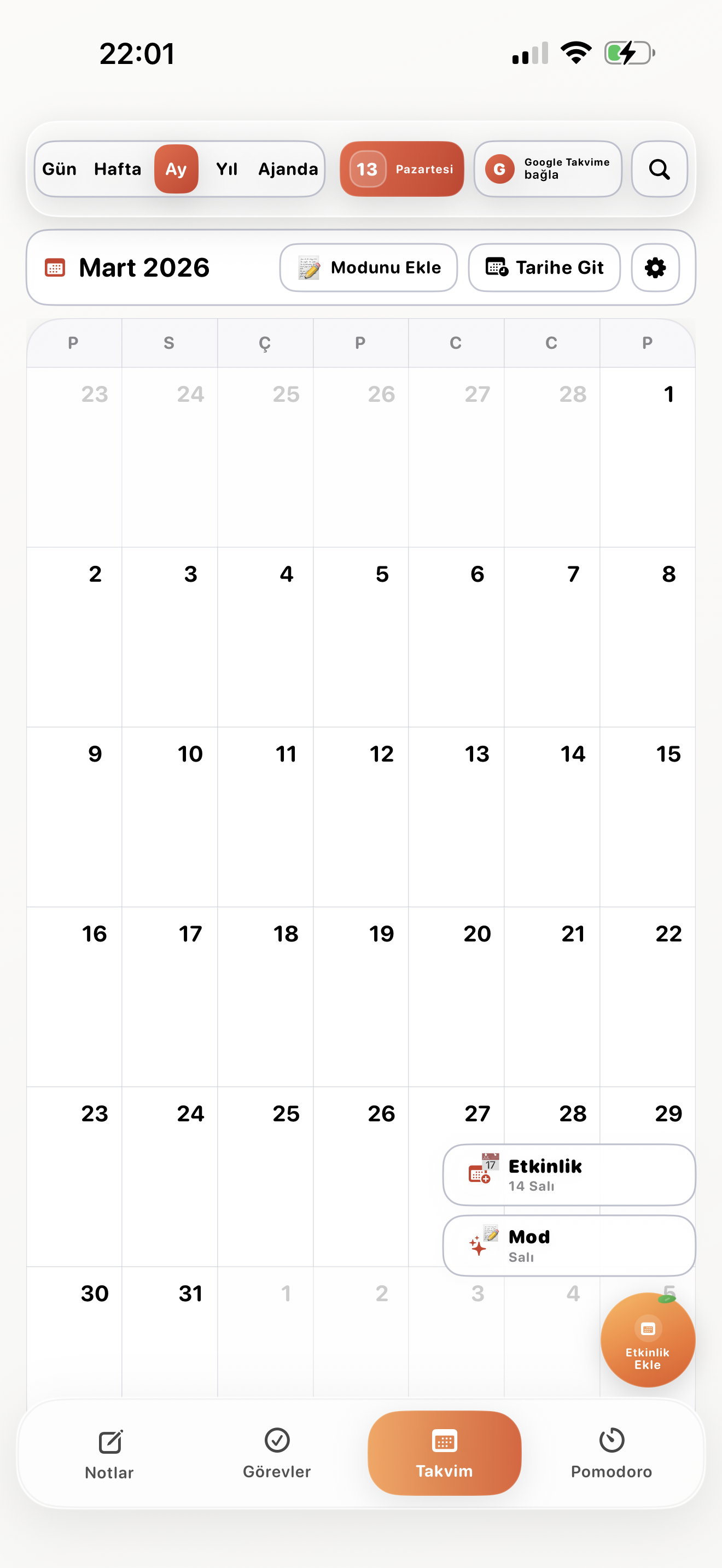
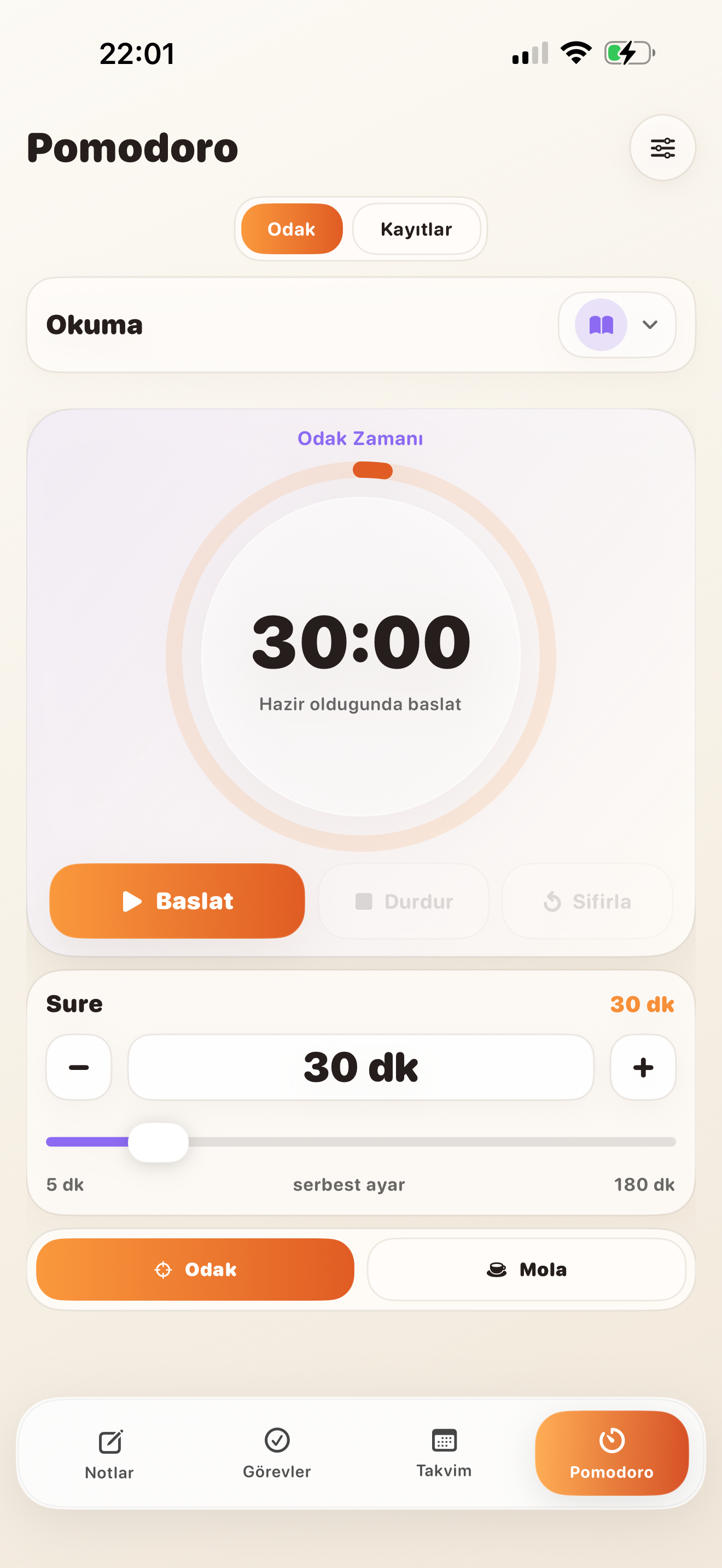
Same account, same rhythm, same work surface. Start with calendar, move through tasks, keep momentum with pomodoro.
Orange ID
Account access is managed through a single layer.
Responsive UI
The mobile-first structure stays balanced even on smaller iPhone screens.
Scoped Storage
User data stays separated in product-specific areas.
Clean Interface
Soft cards, strong contrast, and fast readability work together.
Unified work layer
One platform, modules that speak to each other
Orange Work is not just a collection of screens; every module moves with the same design language and behavior.
Calendar and Agenda
See your plans at different scales with day, week, month, year, and agenda surfaces. Quick event creation and date transitions follow the same rhythm.
- Day, week, month, and year views
- Quick event creation
- Google Calendar and iCloud connection
Orange Notes
List and card views, category filters, and pin actions keep ideas organized without friction.
- Category-based note flow
- List and card modes
- Quick note capture
Orange To Do
Personal, work, and urgent filters make tasks easier to scan. Active, completed, and weekly states stay visible in one panel.
- Tag and filter system
- Status-driven task lists
- Simple control for daily work flow
Pomodoro and Focus
Start when you are ready, keep rhythm between focus and break cycles. Session records stay tied to the same account and remain reusable.
- Focus and break cycles
- Duration settings and session records
- Clear interface for focus habits
Why Orange Work
Plan faster and switch context less
Notes, tasks, and events do not scatter across different apps. That means you spend less time deciding where to begin.
Bold typography, soft contrast, and card-based composition help decisions happen faster.
User data is separated per account with scoped storage, while integrated services run only when permission is granted.
More from Orange
Orange Office handles the document side of the ecosystem
Orange Work keeps the day organized. Orange Office gives the same ecosystem a dedicated space for Docs, Sheets, Slides, PDF work, and file conversion.
Product showcase
Screen names and screenshots now match one to one
The gallery below maps each uploaded screen to the correct module. Pomodoro, calendar, and notes are no longer mixed up.
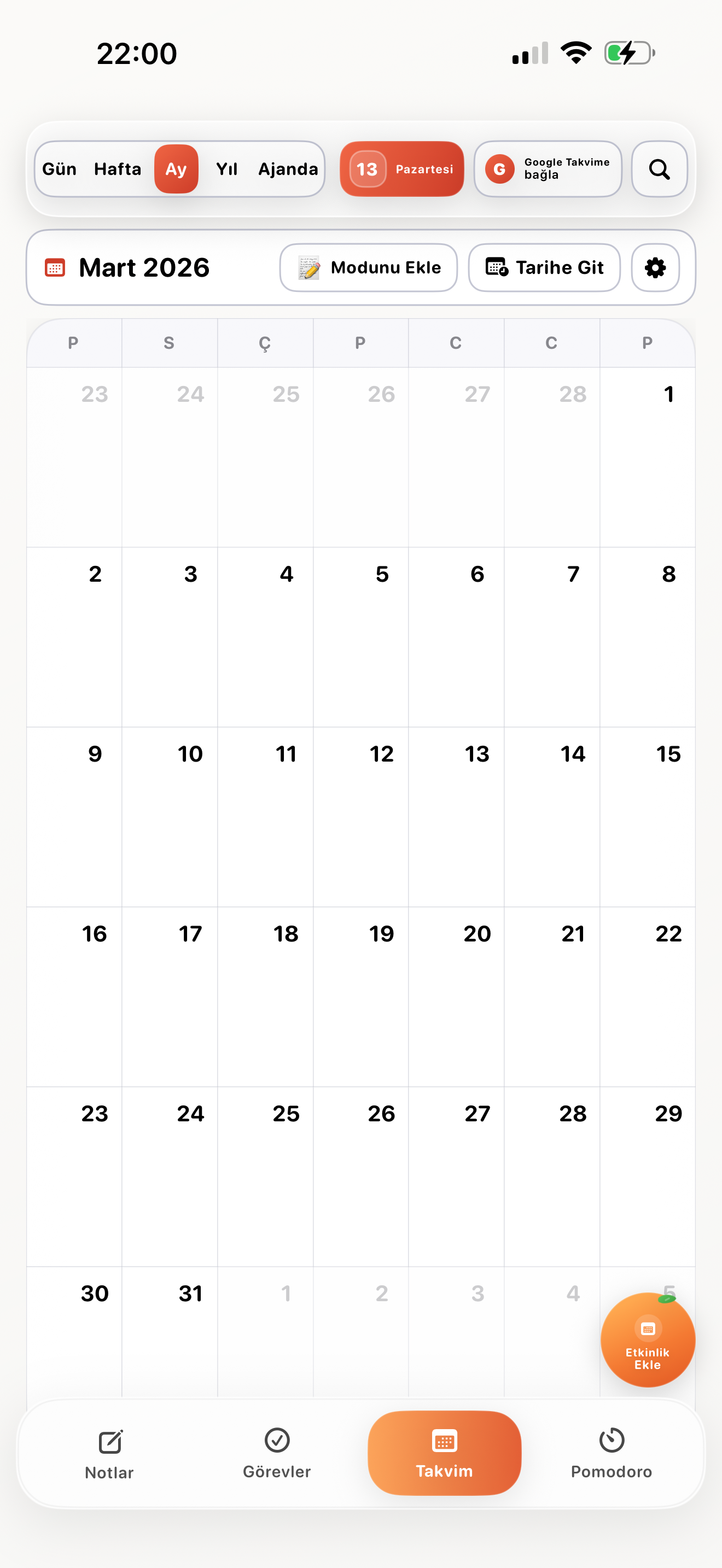
Month View
A monthly planning surface with calendar modules and date transitions.
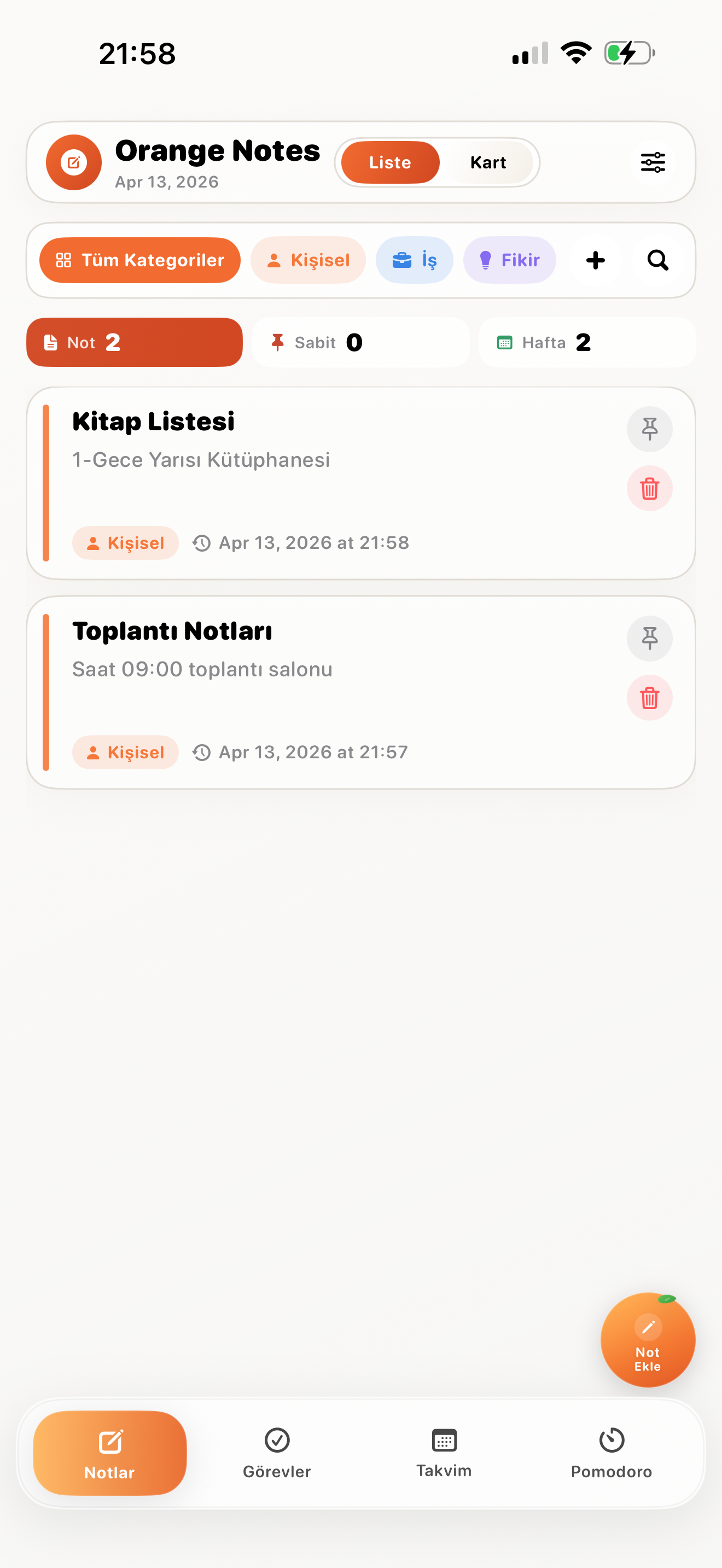
Notes List
Category filters, pinning, and clean readability.
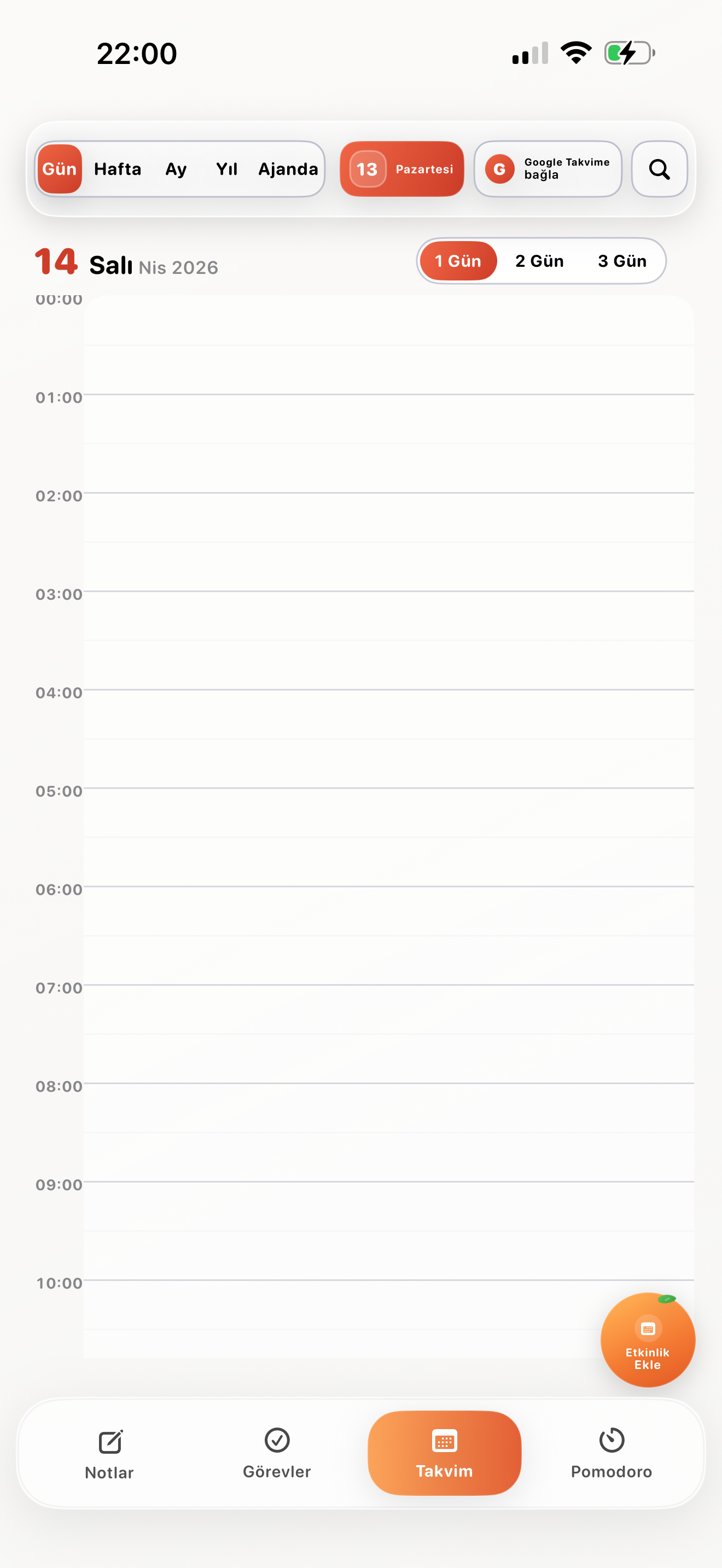
Day View
A single-day planning flow built around an hourly timeline.
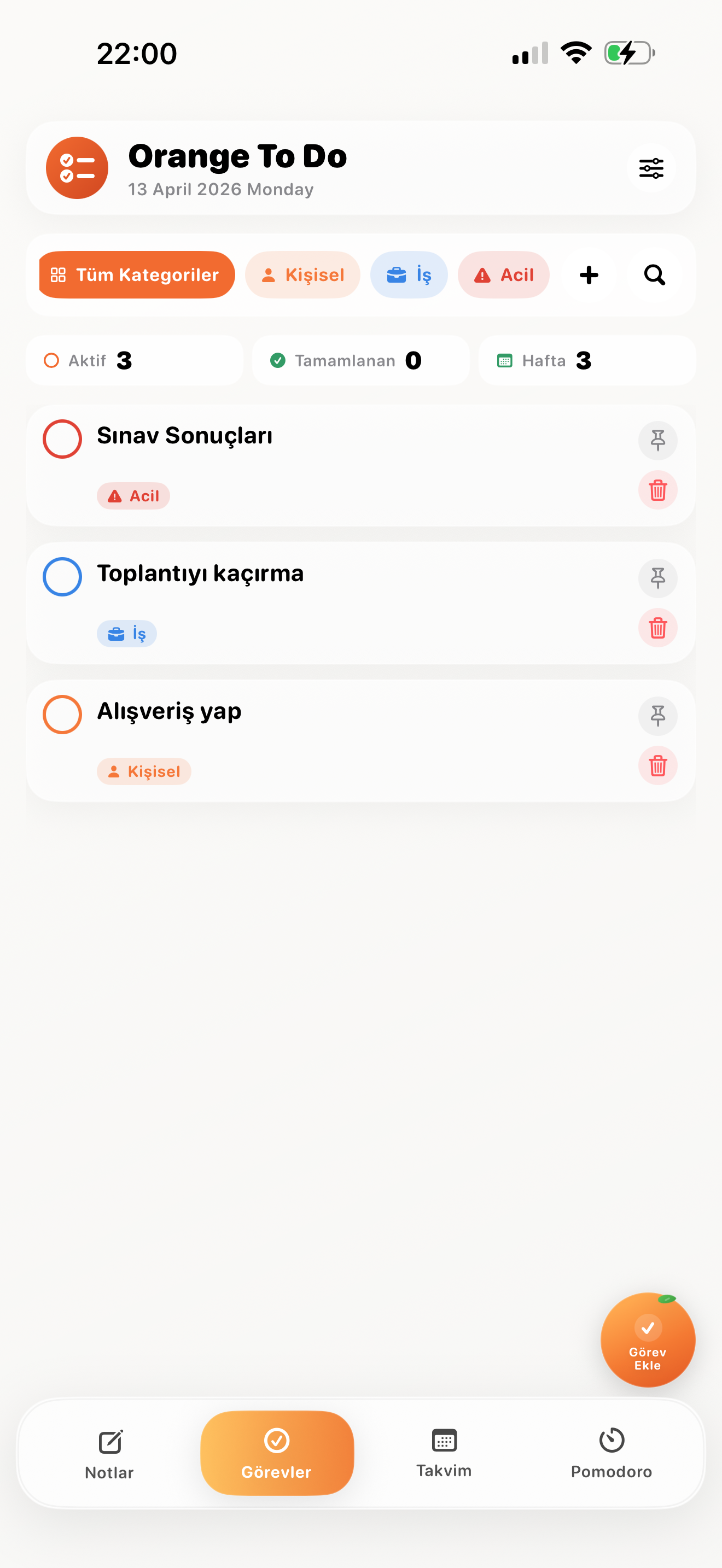
To Do List
Active, completed, and weekly status panels together.
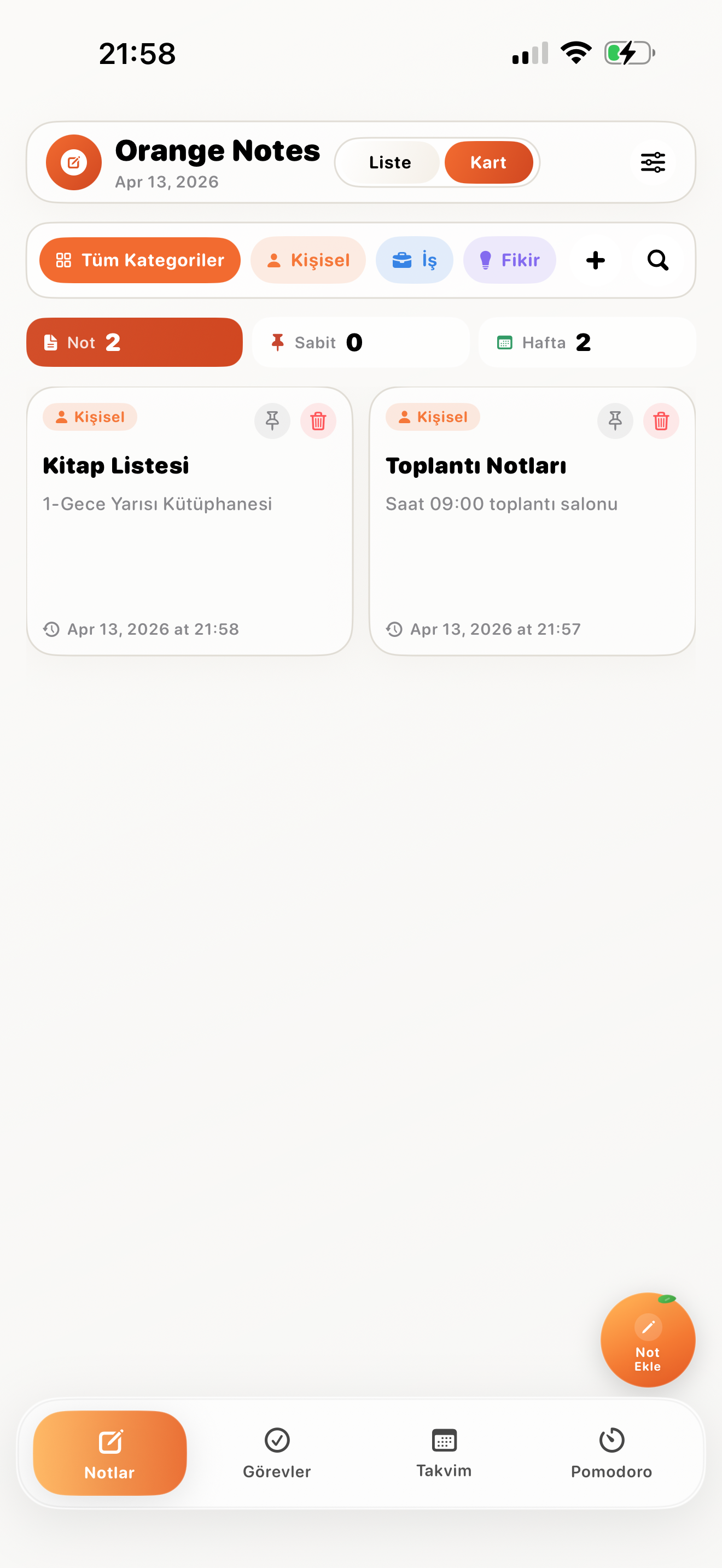
Notes Card Mode
A more visual note experience through cards instead of list rows.
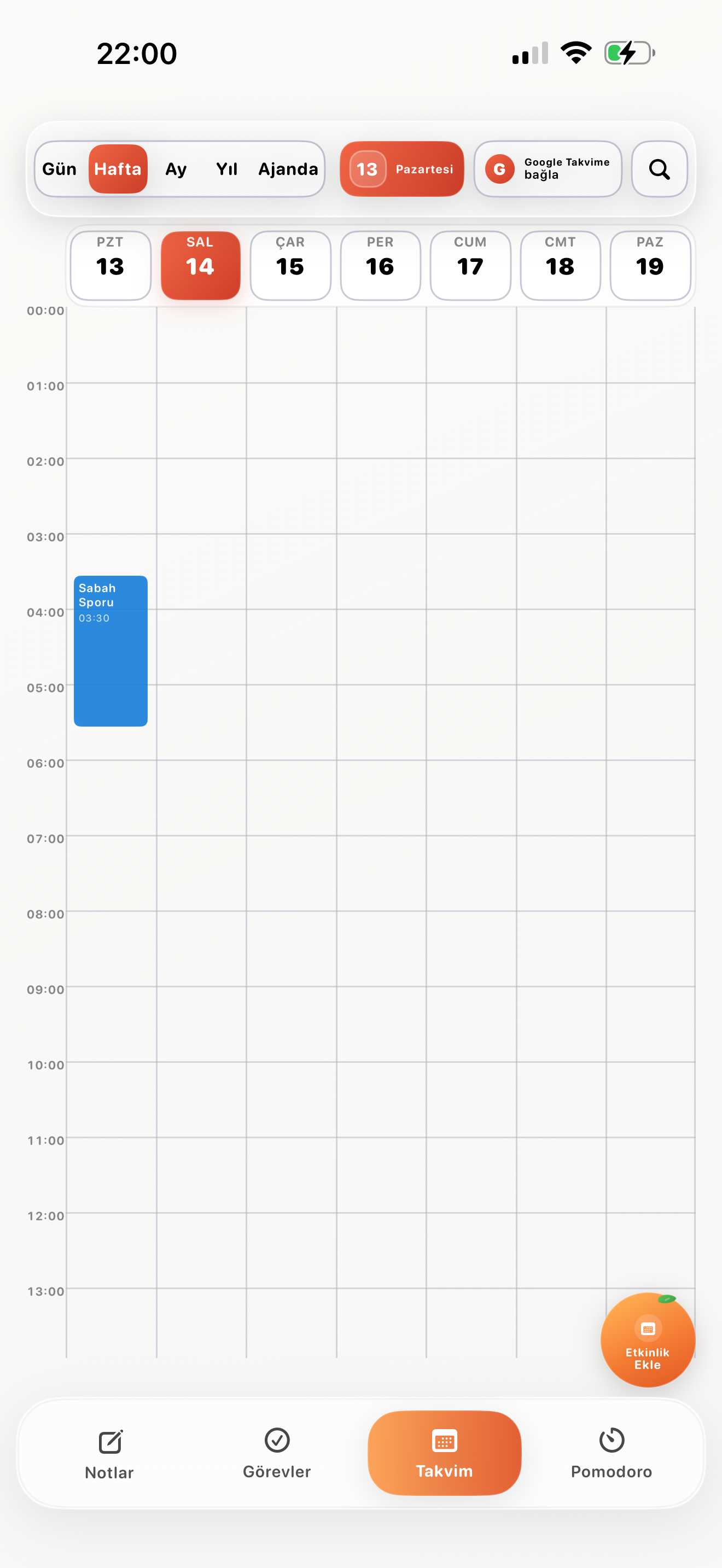
Week View
Multi-day flow and time blocks move together in one panel.
Pomodoro Panel
Focus time, breaks, and duration control on one surface.
Cards on Month View
Mode and event cards make the monthly calendar faster to scan.
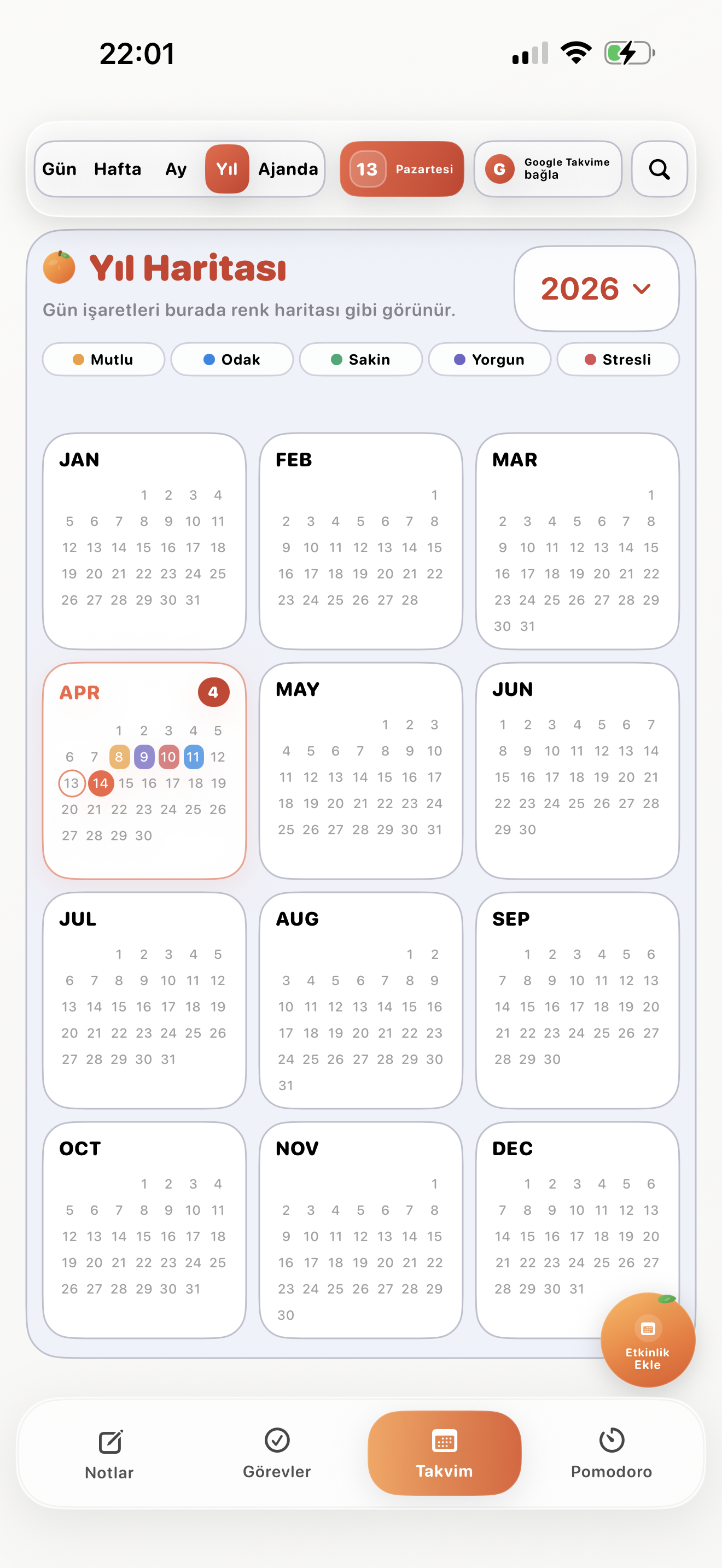
Year Map
Track the rhythm of the year with a color-coded overview.
Trust layer
Privacy and terms pages now align with the product
The legal pages added to the site reflect the Orange ID sign-in flow, Firebase-based scoped storage, and the optional Google Calendar integration that reads existing events and creates new events on calendars owned by the signed-in user.
User data stays separated per account, while Google Calendar access is limited to explicit user consent and the owned-calendar events needed for the feature.
The terms page clarifies account usage, content responsibility, and third-party service connections.